
In this tutorial, we will look at how to convert a deque object containing string values to a string in Python with the help of some examples.
deque in Python
The collections module in Python comes with a deque class that you can use to implement a stack or queue data structure in Python. Deques support thread-safe, memory efficient appends and pops from either side of the deque with approximately the same O(1) performance in either direction.
In simple terms, you can think of a deque in Python as a list-like data structure but with efficient insertion and removal of items from either end (left and right). This makes them very useful when implementing a stack or queue functionality in Python.
How to convert a deque to a string?
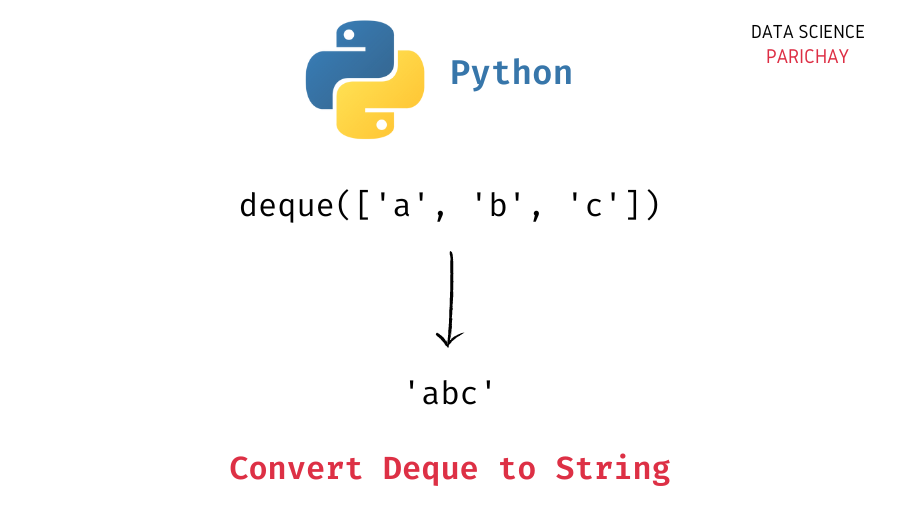
You can use the string join() function to convert a deque with only string values to a single string in Python. The idea is to join the string values in the deque together using an empty string with the join() function.
The following is the syntax –
# convert deque of strings to a string
"".join(queue)
Note that the above code will raise a TypeError if any of the values in the deque is not of string type.
Examples
Let’s now look at some examples of using the above syntax
Example 1 – Convert a deque of strings to a single string
First, let’s create a deque with some string elements.
Introductory ⭐
- Harvard University Data Science: Learn R Basics for Data Science
- Standford University Data Science: Introduction to Machine Learning
- UC Davis Data Science: Learn SQL Basics for Data Science
- IBM Data Science: Professional Certificate in Data Science
- IBM Data Analysis: Professional Certificate in Data Analytics
- Google Data Analysis: Professional Certificate in Data Analytics
- IBM Data Science: Professional Certificate in Python Data Science
- IBM Data Engineering Fundamentals: Python Basics for Data Science
Intermediate ⭐⭐⭐
- Harvard University Learning Python for Data Science: Introduction to Data Science with Python
- Harvard University Computer Science Courses: Using Python for Research
- IBM Python Data Science: Visualizing Data with Python
- DeepLearning.AI Data Science and Machine Learning: Deep Learning Specialization
Advanced ⭐⭐⭐⭐⭐
- UC San Diego Data Science: Python for Data Science
- UC San Diego Data Science: Probability and Statistics in Data Science using Python
- Google Data Analysis: Professional Certificate in Advanced Data Analytics
- MIT Statistics and Data Science: Machine Learning with Python - from Linear Models to Deep Learning
- MIT Statistics and Data Science: MicroMasters® Program in Statistics and Data Science
🔎 Find Data Science Programs 👨💻 111,889 already enrolled
Disclaimer: Data Science Parichay is reader supported. When you purchase a course through a link on this site, we may earn a small commission at no additional cost to you. Earned commissions help support this website and its team of writers.
from collections import deque

# create a deque
queue = deque(["a", "b", "c"])
# print the deque
print(queue)
Output:
deque(['a', 'b', 'c'])
Here, we imported the deque class from the collections module and created a deque queue with some string values.
Let’s now convert the above deque to a single-string value.
# convert deque to string
"".join(queue)
Output:
'abc'
Here, we used the string join() function to concatenate the values in the deque queue with an empty string.
Example 2 – Convert a deque of numbers to a string
If you apply the string join() on a deque containing non-string values, you’ll get a TypeError.
# create a deque
queue = deque([1, 2, 3])
# convert deque to string
"".join(queue)
Output:
---------------------------------------------------------------------------
TypeError                                 Traceback (most recent call last)
Input In [22], in <module>
      2 queue = deque([1, 2, 3])
      3 # convert deque to string
----> 4 "".join(queue)

TypeError: sequence item 0: expected str instance, int found
To convert a deque of numbers to a single string, you can use a list comprehension to first get values in the deque as strings in a list and then concat them together using the string join() function.
# convert deque to string
"".join([str(val) for val in queue])
Output:
'123'
We get the values in the deque as a single string.
You might also be interested in –
- Python – Convert a deque to a list
- Python – Get the Index of the Maximum Value in Deque
- Python – Get the Index of the Minimum Value in Deque
- Python – Get the Maximum and the Minimum Value in a Deque
- Python – Check If a Deque is Empty
- Python – Get Value by Index in Deque
- Python – Count occurrences of a value in deque
- Python – Create a deque copy
- Python – Rotate a Deque to the Right and Left
- Python – Extend deque to the left
- Python – Extend deque to the right
- Python – Get the Max Size of a Deque
- Python – Reverse a deque
- Python – Get Index of a Value in Deque
- Python – Remove Element by Value in Deque
- Python – Remove all elements from a deque (clear deque)
- Python – Append Element to a Deque
- Python – Append Element to the Left in Deque
- Python – Pop Element From Left in Deque
- Python – Pop Element From the End in Deque
- Python – Insert Element at a given Index in Deque
Subscribe to our newsletter for more informative guides and tutorials.
We do not spam and you can opt out any time.